

Documentation Index
Fetch the complete documentation index at: https://docs.smew.ai/llms.txt
Use this file to discover all available pages before exploring further.
Node.js 环境安装指南
Codex 等 GPT 工具依赖 Node.js 运行环境,请先完成此步骤。Windows
- 方法一:官方下载(推荐)
前往 Node.js 官网 下载 LTS 版本,双击安装包按提示完成安装。 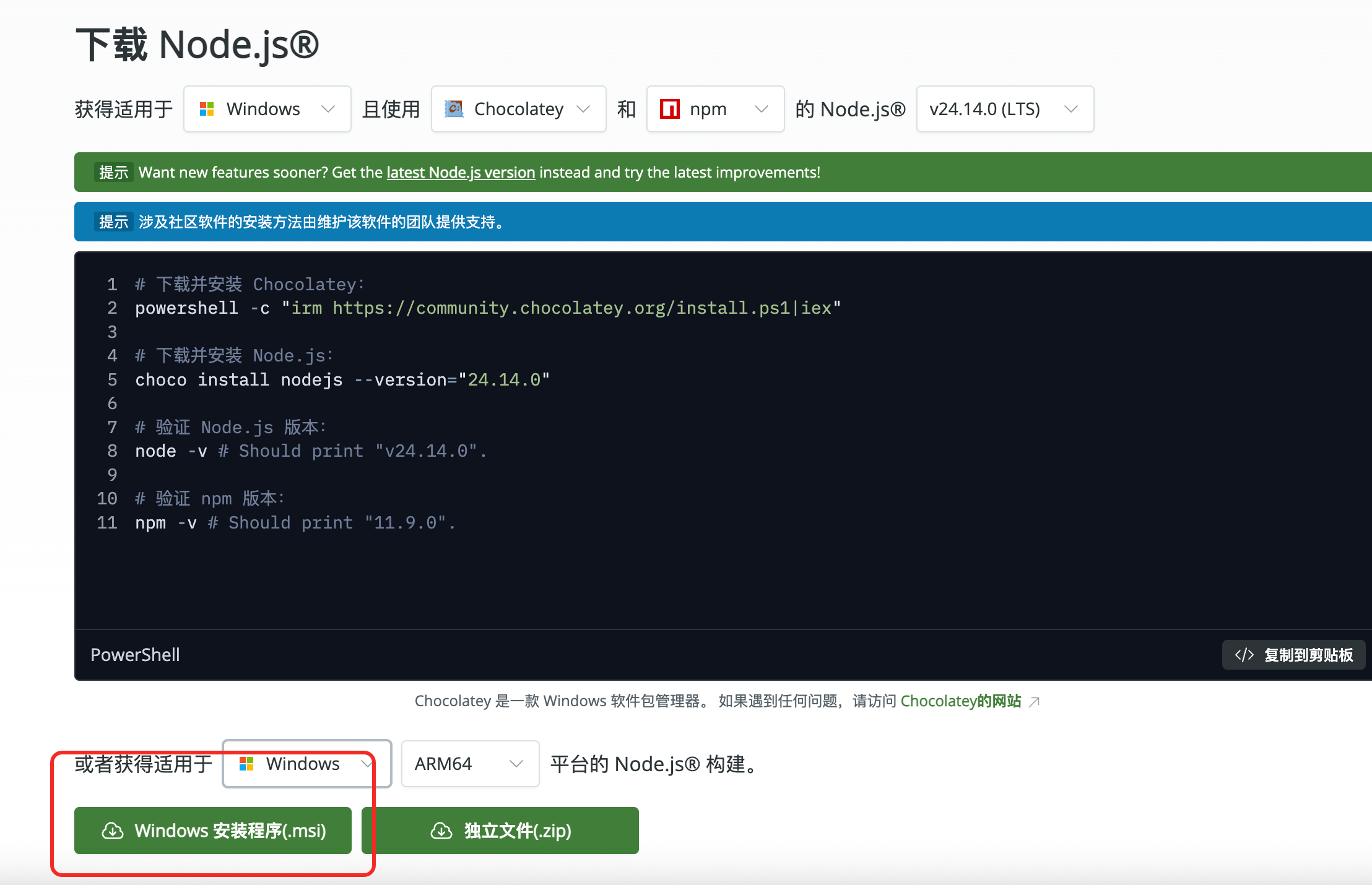 下载以后,一直下一步直到安装完成。
- 方法二:使用 Chocolatey
- 方法三:使用 Scoop
macOS
- 方法一:使用 Homebrew(推荐)
- 方法二:官方下载
前往 Node.js 官网 下载 macOS 安装包。
Linux
- Ubuntu / Debian
- CentOS / RHEL
验证安装
切换 npm 镜像源(无科学上网环境)
如果安装依赖时速度较慢或超时,执行以下命令切换到国内镜像源:https://registry.npmmirror.com 即表示生效。